






One tap to make any photo beautiful.
Open a photo. Tap Remaster. That’s all. Scroll to see what one tap does.
Download on the App StoreFree to browse. Remaster starts with a 3‑day free trial. iPhone and iPad.
Every one of these took a single tap.
No sliders. No settings. Watch each one change as it reaches the middle.Swipe through them and watch each one change.
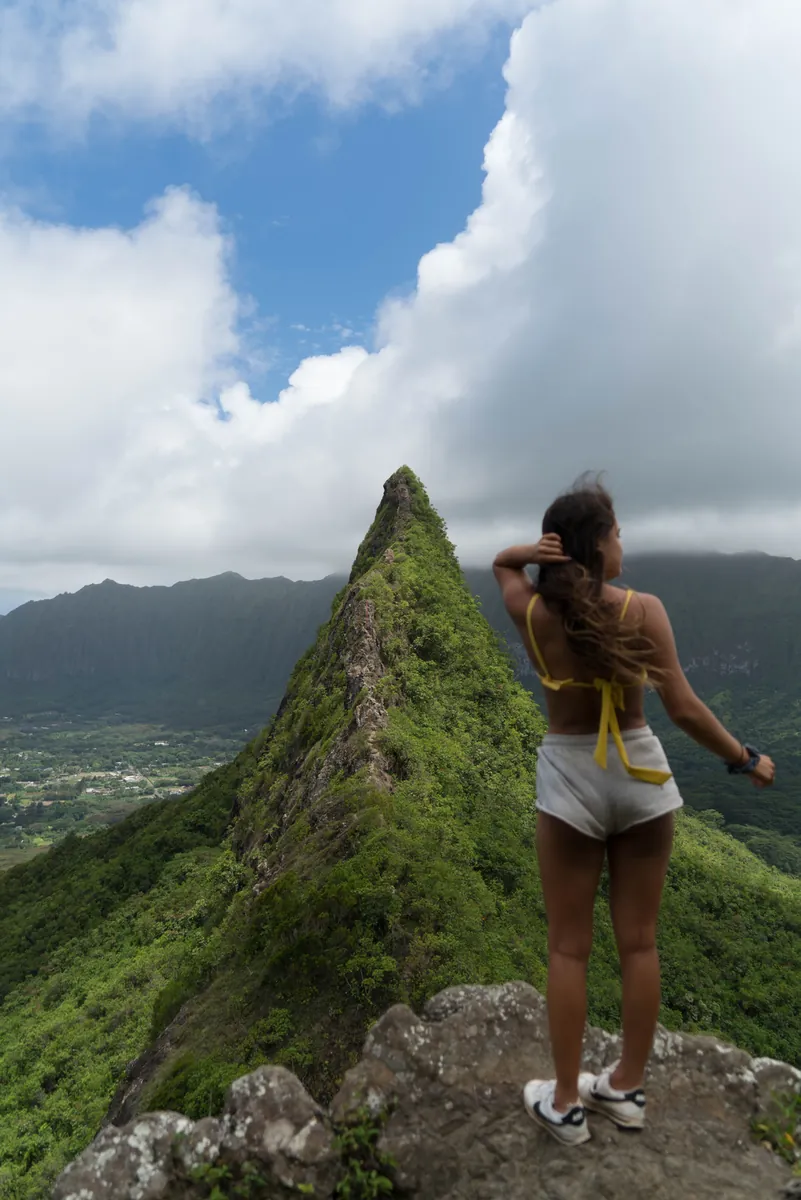
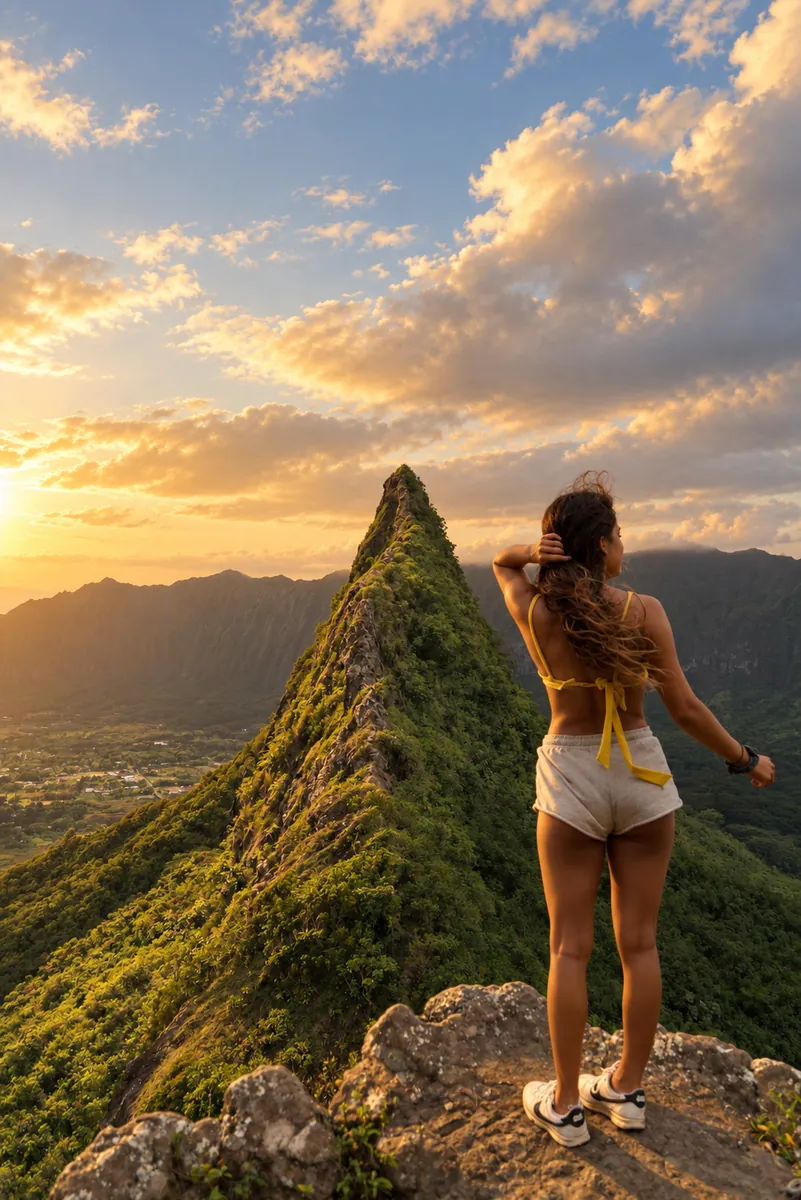
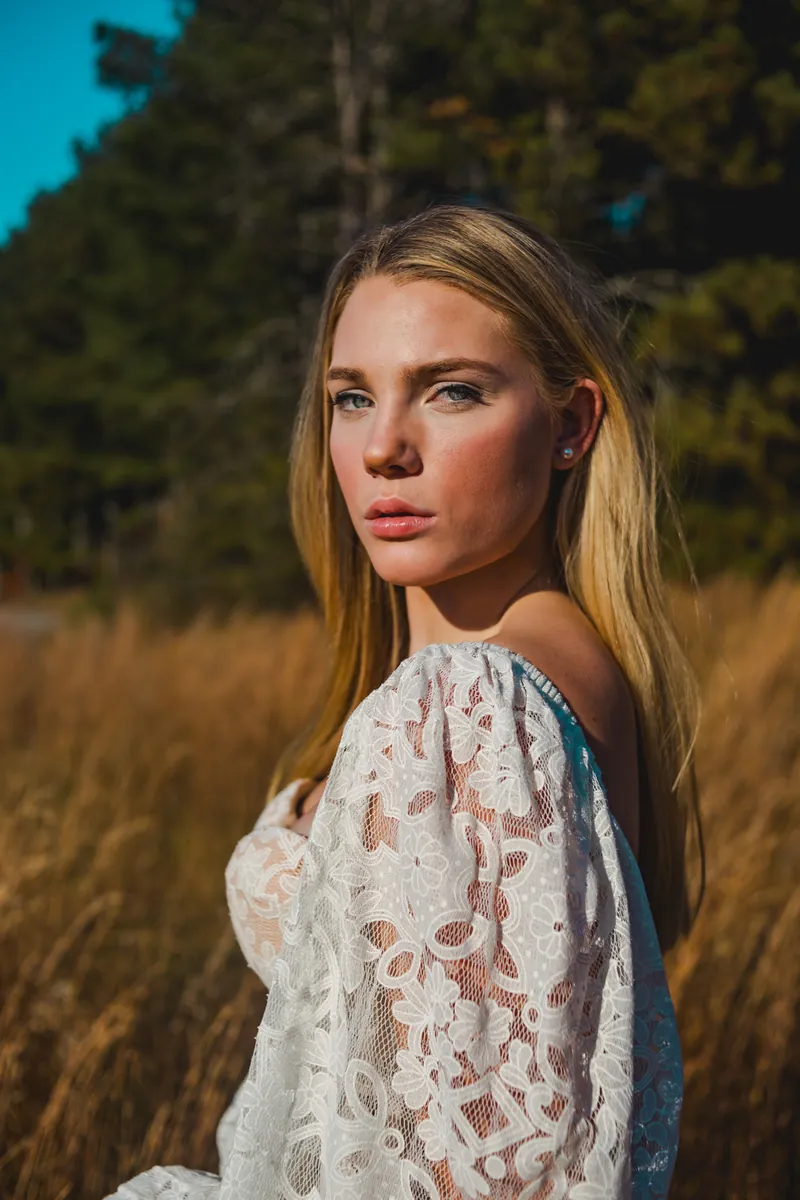

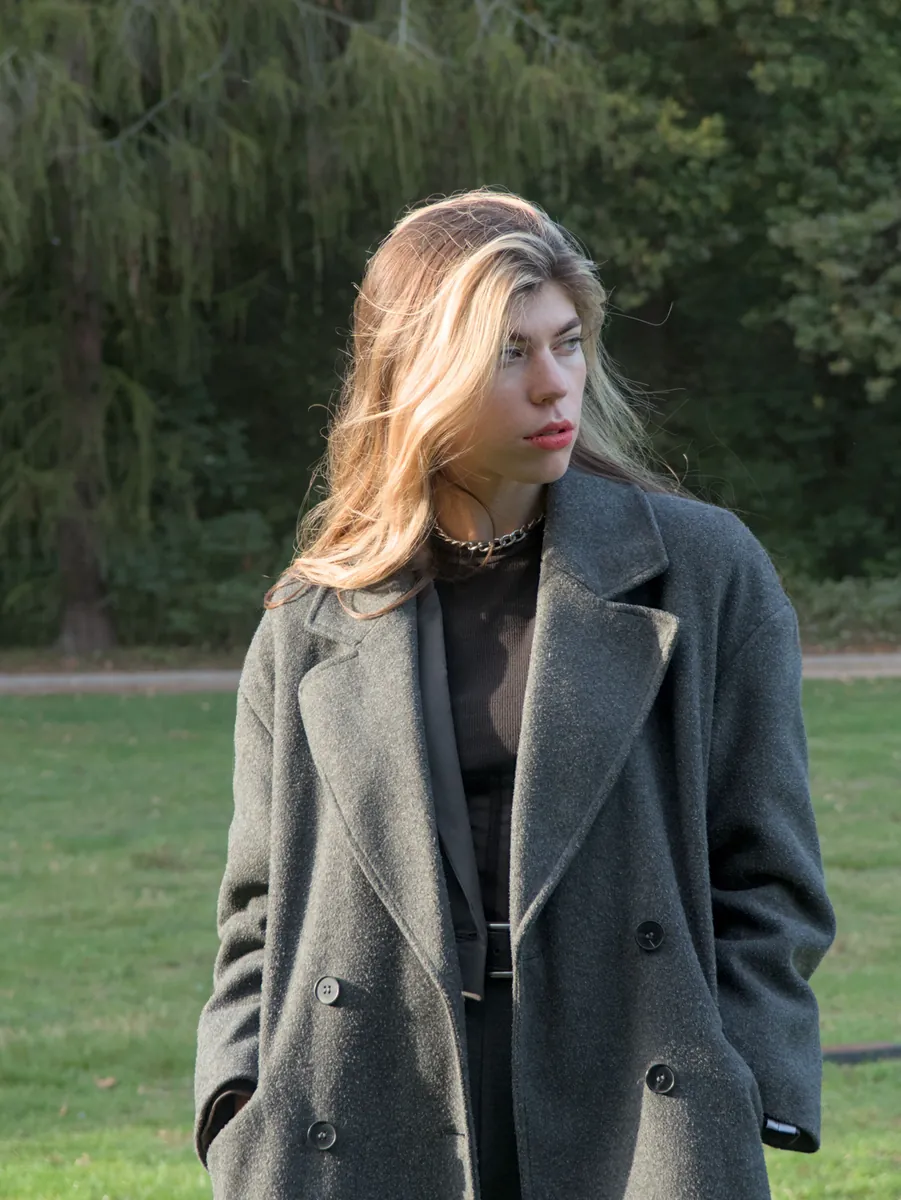



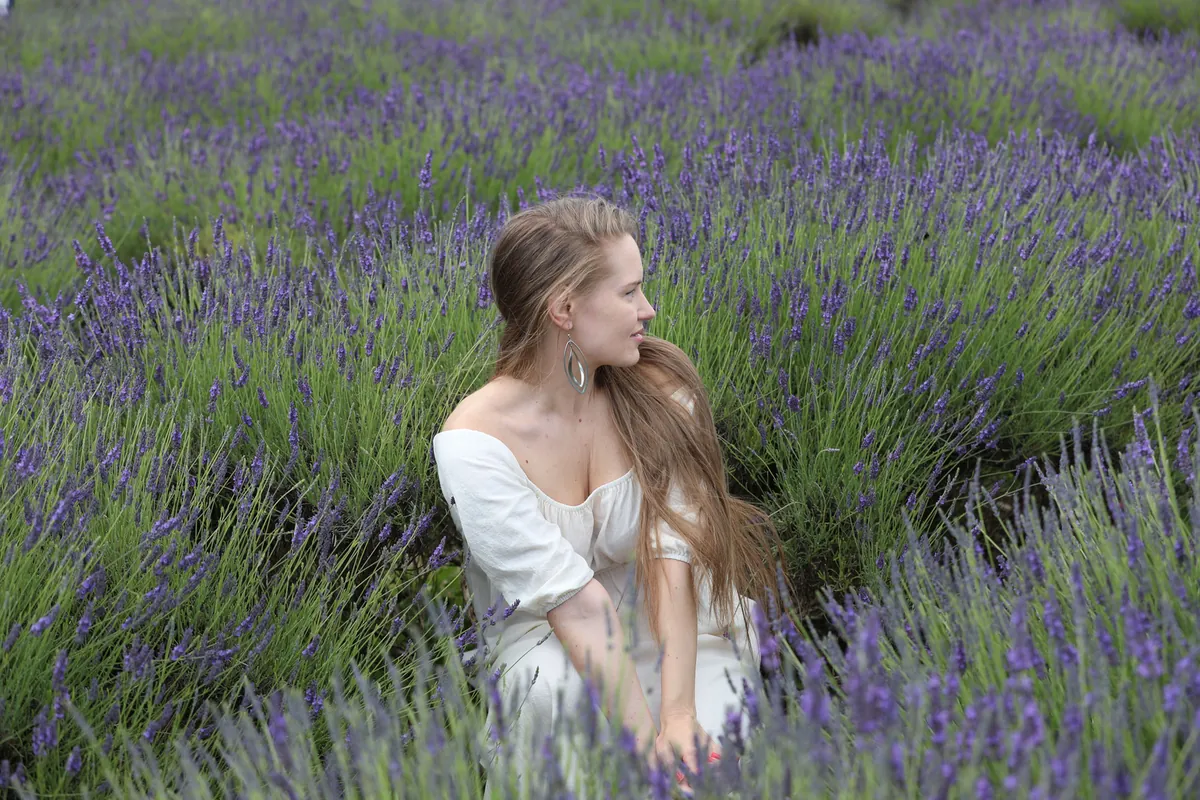



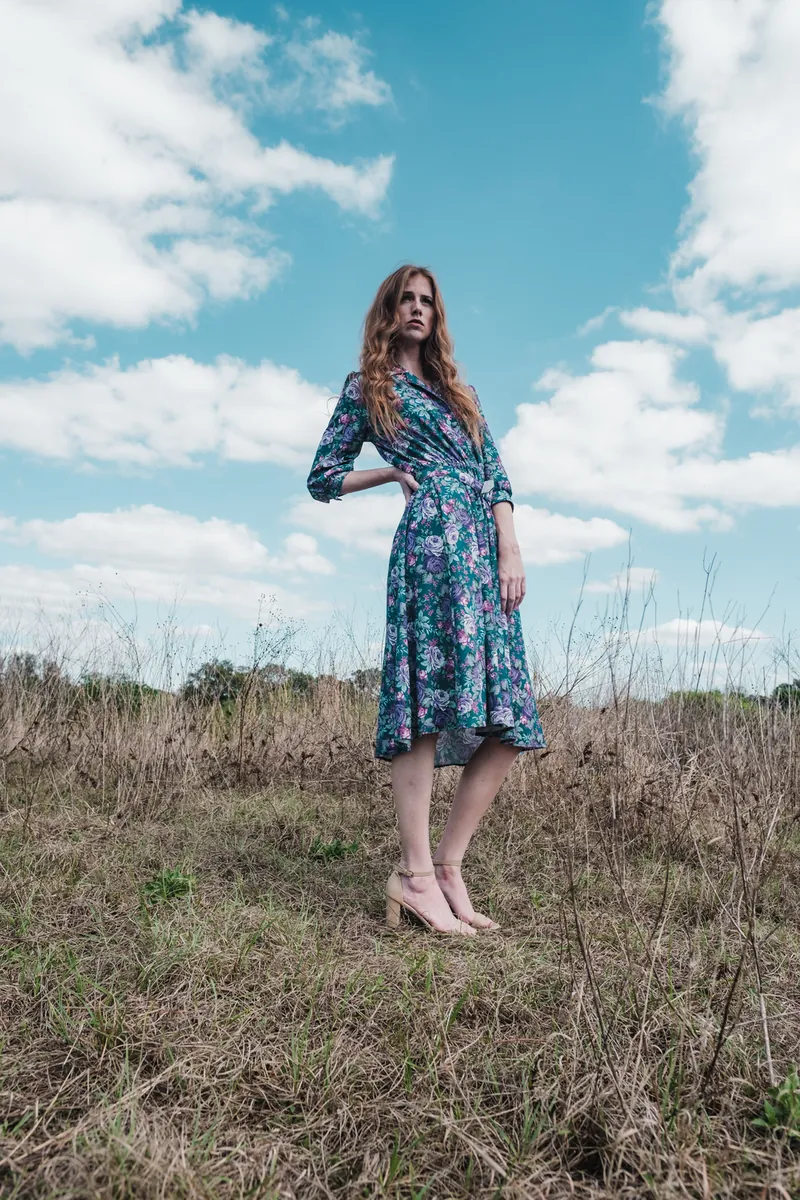







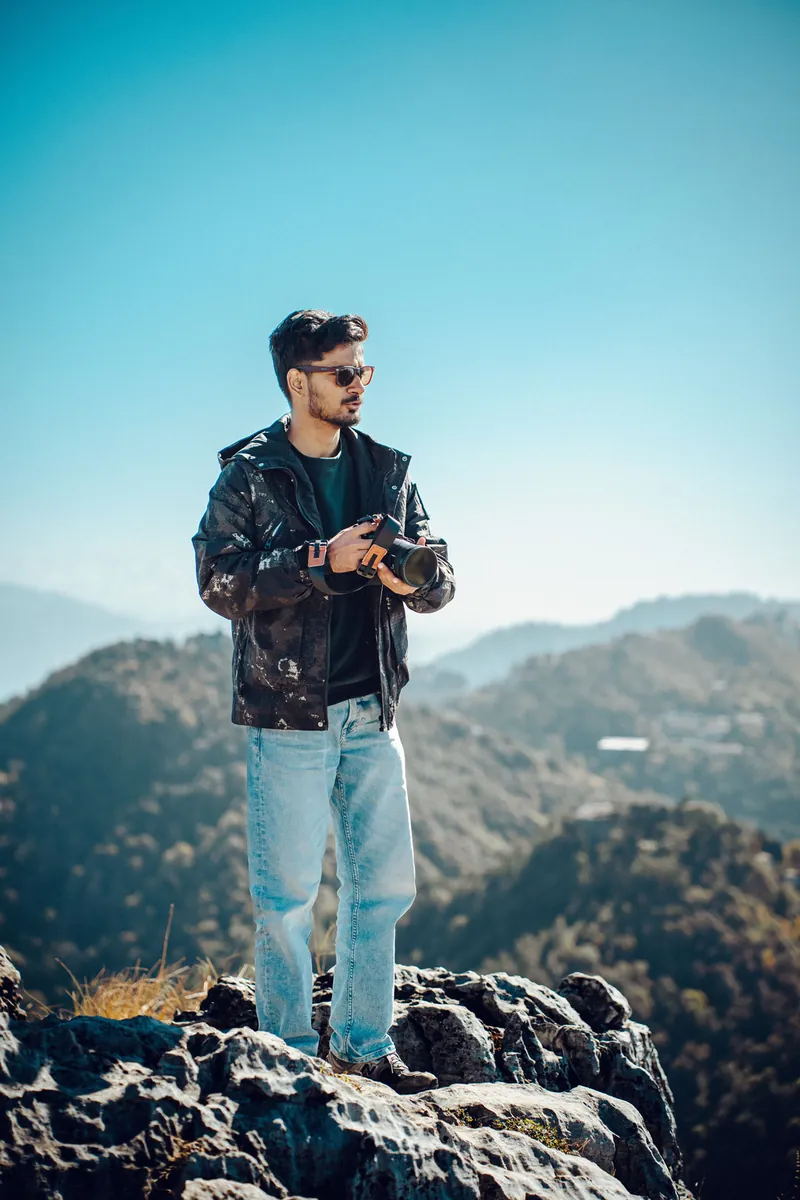
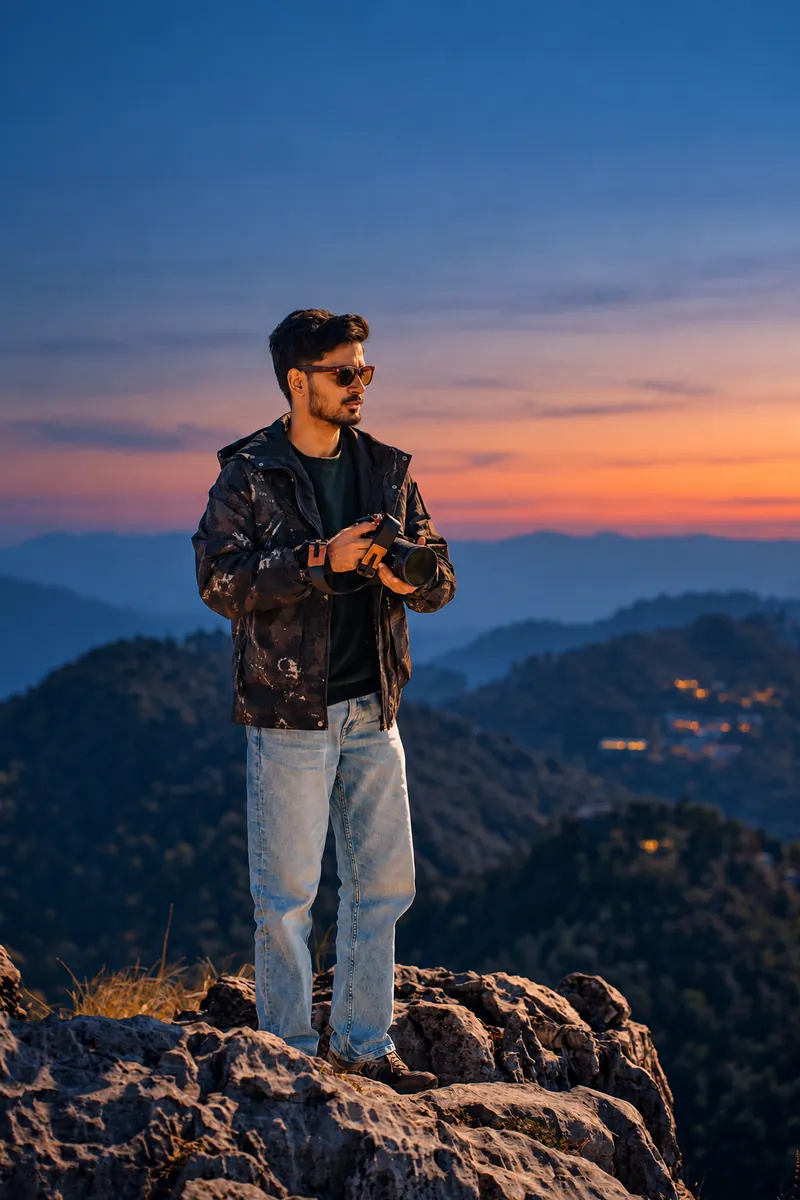


Stock photographs finished with the app’s presets, for illustration. Results vary by photo.
Nothing to learn.
Open any photo, tap Remaster, and a moment later it’s beautiful. Your original stays exactly as it was.


Want another mood? Still one tap.
Pick a light or a look before you tap: golden hour, dusk, film. Turn the wheel to try them. Hold the photo to see the original.


- Natural
- Enhanced
- Reimagine
- Warm Film
- Cinematic
- Bright & Airy
- Moody
- Golden Hour
- Dusk
- Portrait Light
- Backlit
- Teal Night
Low golden sun and window shadows across you.
Examples made from stock photos with the app’s preset prompts. Results vary by photo.
The same tap tidies up.
Clothes on the bed, clutter on the floor: gone. Everything that matters stays where it was.

 OriginalNatural

 OriginalNatural
And when you want to play.
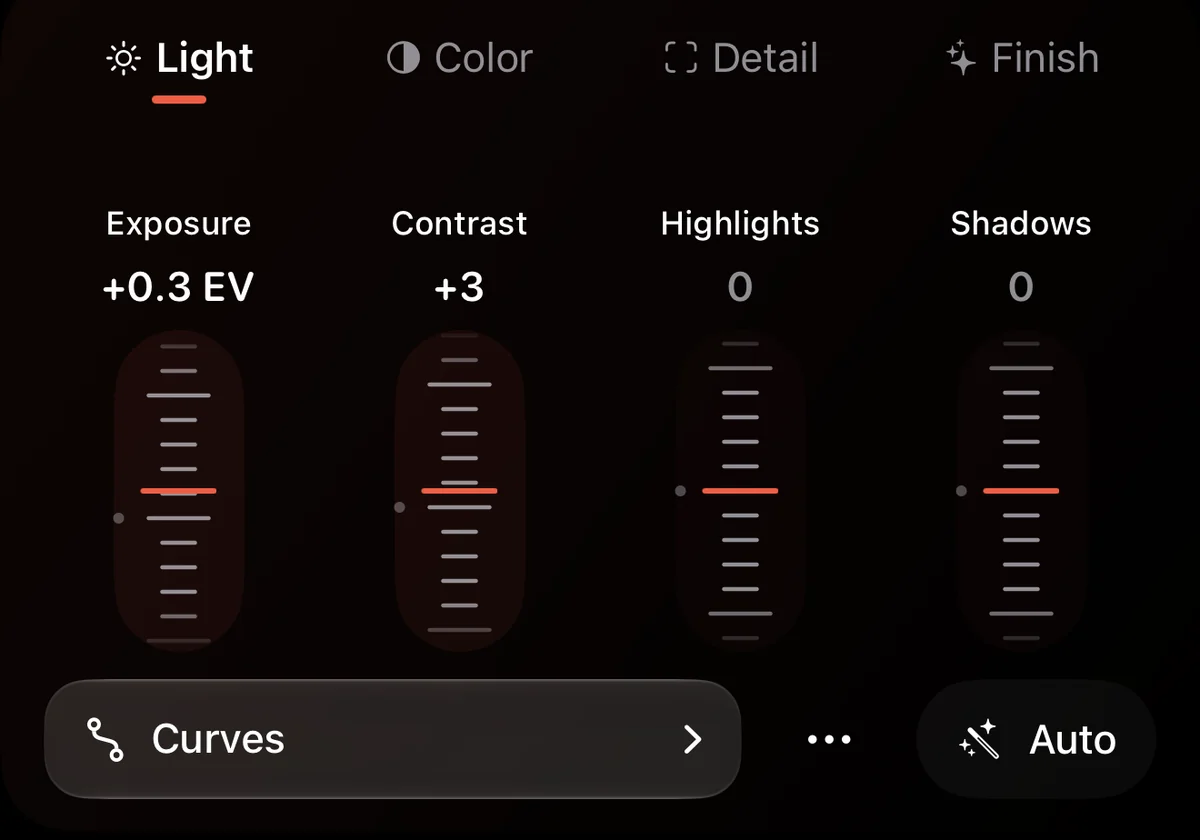
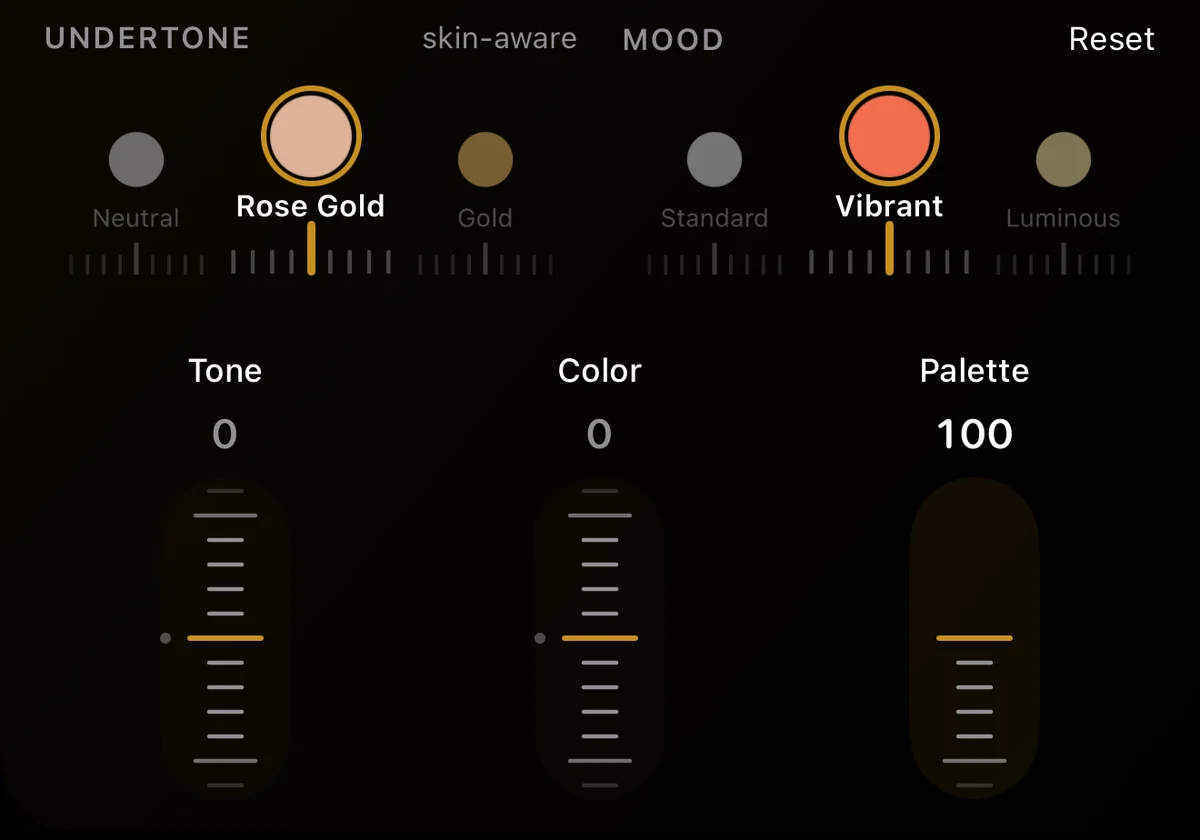
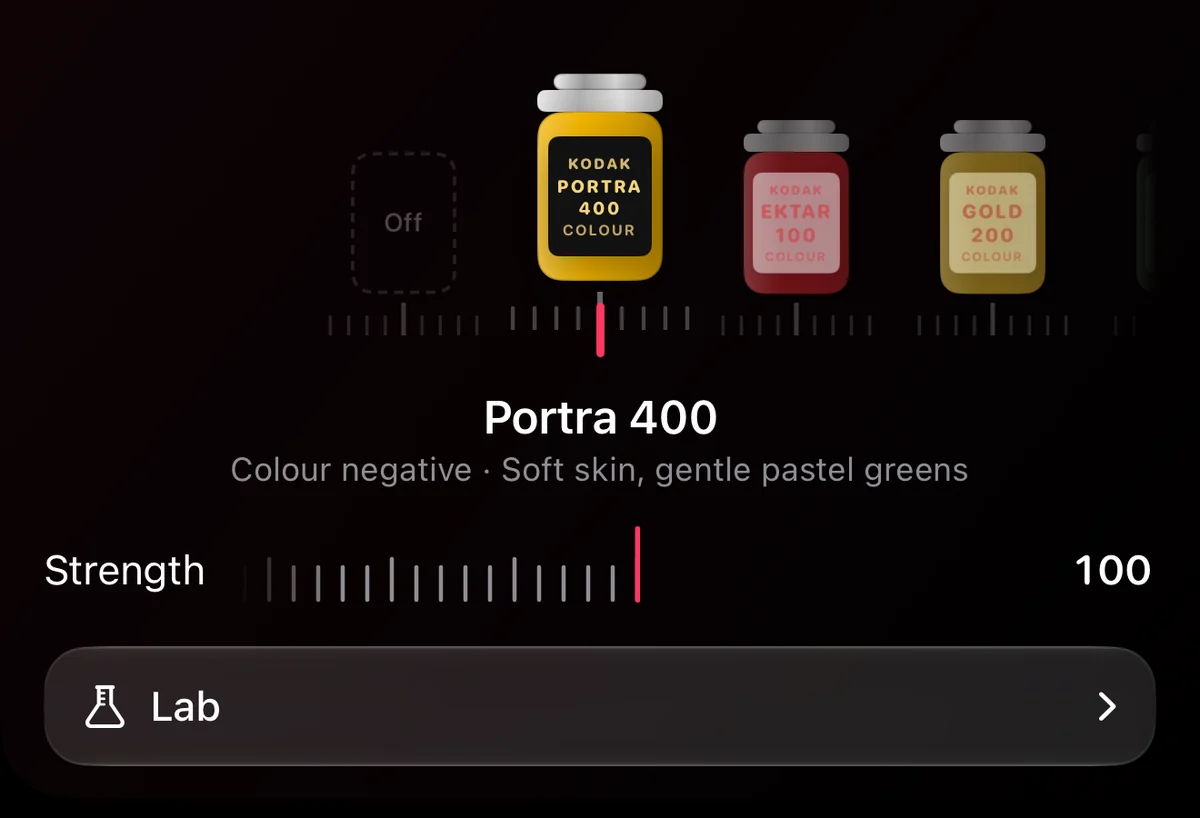
You never need it, but it’s there: faders that click, wheels for undertone and mood, a shelf of film, and a darkroom for grain and light.


The same gallery you know and love.
Your library, albums and memories, laid out like Photos. Browsing is free.


Versions, not overwrites
Each remaster and edit is a new version next to the original. Switch between them or delete the ones you don’t want.
Save when you decide
Results stay in Perfect Photos until you choose Save Copy or Share. Export as HDR HEIC or JPEG, without location.
Search in plain words
“Photos from last month”, “dogs at the beach”. Search runs on your device.
Albums and Memories
Favourites, albums, folders, Memories, Recently Edited and Recent Imports, as in Photos.
Duplicates, HDR, Live Photos
Review duplicates on the device. HDR photos show their full brightness; Live Photos and videos play as you expect.
Beautiful on iPad, too.
The photo gets the whole screen.

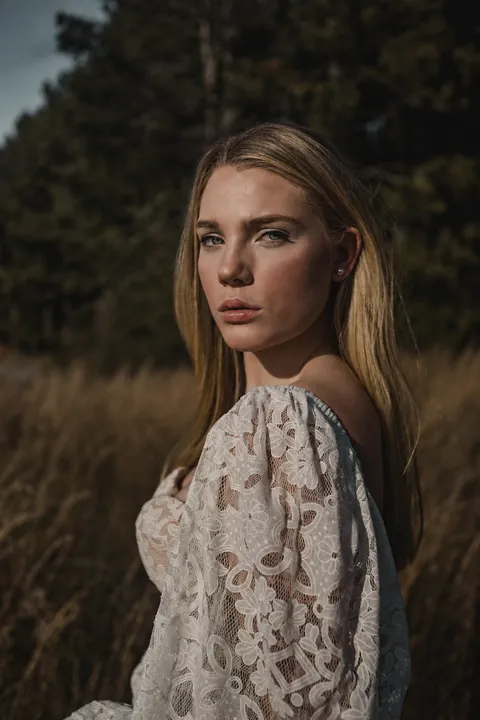
One photo. Every light.
Each of these is the same portrait, one tap apart. Which would you pick?












See it in a minute.
One tap, a new light, a new look, and the gallery you know. Best with the sound on.
Your photos stay yours.
Nothing leaves your device until you tap Remaster, and then only that photo.
Your library stays on the device
No library upload, no thumbnails in the cloud. Browsing, search, editing and duplicate review run on the device.
Location removed
Before a photo is sent, its GPS position, camera details and file name are removed.
Nothing kept on our servers
The encrypted result is held only until your device has downloaded it. We never store your photos.
Your original stays as it is
Nothing in your Photos library changes unless you save a copy.
No ads, no tracking
No advertising SDKs and no cross‑app tracking. We don’t train models on your photos.
Asked first
Before your first remaster, the app says what is sent and to whom, and asks.
Details, including our processing partner and retention periods, are in the Privacy Policy.
Free to browse. Three days of magic on us.
Every plan starts with a free trial of five remasters. Or skip the subscription and buy a pack.
Plus
15 remasters a month
$69.99a year
$5.83 a month, billed yearly, or $9.99 month to month.
- Natural, Enhanced, Reimagine, every look and every light
- Results up to 8 megapixels, with HDR
- Upscale smaller photos to 8 MP for 2 credits
Pro Lowest price per remaster
35 remasters a month
$149.99a year
$12.50 a month, billed yearly, or $19.99 month to month.
- Natural, Enhanced, Reimagine, every look and every light
- Results up to 8 megapixels, with HDR
- Upscaling to 8 MP included
No subscription? Buy a pack. Credits never expire.
- 10 remasters $6.99
- 30 remasters $16.99
- 100 remasters $49.99
Prices in US dollars; the app shows the price for your region. One successful remaster uses one credit; failed remasters never do. The monthly allowance resets each month and does not roll over. Subscriptions renew automatically until cancelled in your App Store settings. No charge until the trial ends; cancel anytime.
Questions.
What is Perfect Photos?
An app for iPhone and iPad that makes any photo beautiful in one tap. Open a photo and tap Remaster: AI finishes it with better light, colour and detail, and can tidy away clutter. Pick a light or a look first, like Golden Hour, Dusk, Backlit or Warm Film, or keep it Natural. There is also a full editor with faders, film stocks, grain and LUTs, and a gallery that works like Photos.
Does Remaster change what is in my photo?
Natural and Enhanced keep the frame, the viewpoint and the moment. They improve exposure, colour, light and detail, and may remove clearly accidental clutter, like clothes on the floor. Relight changes the light across the scene, and Reimagine goes furthest, with a fresh composition. Because the finish is generated, fine details can differ from the original, so hold to compare and keep only the versions you like.
Where do my photos go?
Nowhere, until you tap Remaster. Then only that photo is sent, with its location and camera details removed, to our service and to our AI processing partner, OpenAI. Our servers never store photos; the encrypted result waits only until your device has it. The editor, looks and search run on your device. See the Privacy Policy.
What happens to my original?
Nothing. A remaster or an edit is a new version beside the original, on your device. Your Photos library is untouched until you choose Save Copy, and even then the original stays.
Can I use my own LUTs?
Yes. In Looks, open Mine and import any .cube file. It appears with your saved looks and keeps HDR highlights.
How much does it cost?
The app is free to download, and browsing is free. Remaster needs a plan: Plus is $69.99 a year or $9.99 a month for 15 remasters a month, and Pro is $149.99 a year or $19.99 a month for 35. Or skip the subscription and buy 10, 30 or 100 remasters for $6.99, $16.99 or $49.99; pack credits never expire. Prices are in US dollars; the app shows the price for your region.
How does the free trial work?
Every plan starts with 3 days free, including 5 remasters. You are not charged until the trial ends, and you can cancel any time in your App Store settings.
What if a remaster fails, or I don’t like it?
A failed or expired remaster never uses a credit. If you don’t like a result, try another finish or add a sentence of direction.
Which devices are supported?
iPhone and iPad with iOS 26 or later. The app is in English and French.
